







Generator
Storia
Generatore di piani AI
Strumento di cambiamento
Modello
Base
Interruttore
Camere
cameraDaLetto
-
2
+
bagno
-
1
+
Cucina
aperto
chiuso
Area lorda
Unità Metrico
 imperiale
Metrico imperialeArea
< 50㎡
50-80㎡
80-100㎡
100-120㎡
120-150㎡
> 150㎡
Extra
guardaroba walk-in
laundry room
stanza di stoccaggio
stanza dei servizi
ufficio a casa
garage
dispensa
sala living e pranzo combinata
balcone

Design Your Dream Home with Our Free Online House Layout Maker
Unleash your creativity with Ideal House's cutting-edge AI Floor Plan Generator. This intuitive, free online house layout maker transforms your vision into professional 2D floor plans in seconds. Whether you're planning a home renovation, visualizing a new build, or creating captivating real estate listings, our tool empowers you to create floor plan concepts effortlessly. Say goodbye to complex software and hello to instant, clear, and presentation-ready residential floor plans.
Generate My Floor Plan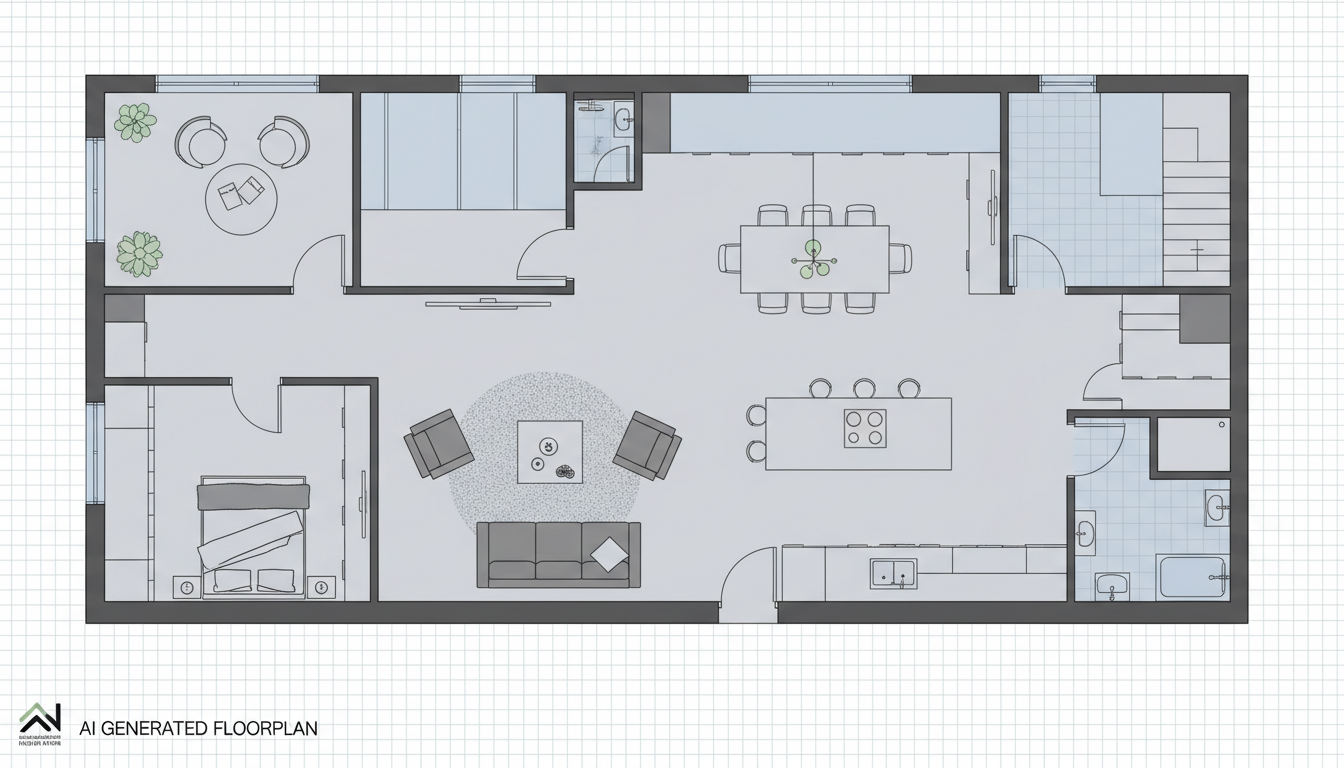


Why Ideal House is Your Go-To Free Online House Layout Maker
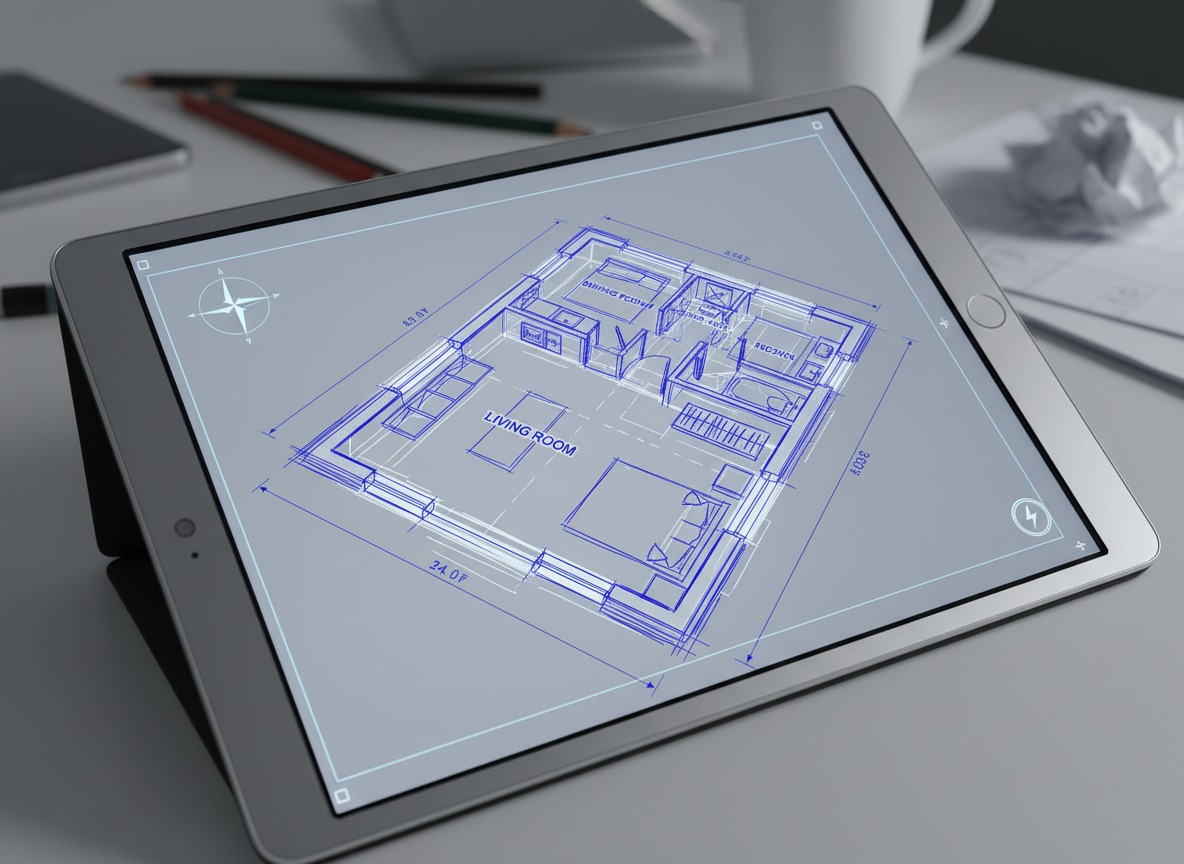
Instant 2D Floor Plans
Our ai floor plan generator delivers clear 2D floor plans in a flash. Simply input your preferences, and watch as our intelligent system drafts your ideal living space. No more waiting, just instant, high-quality results ready for your review. This free online house layout maker ensures speed and efficiency for every project.
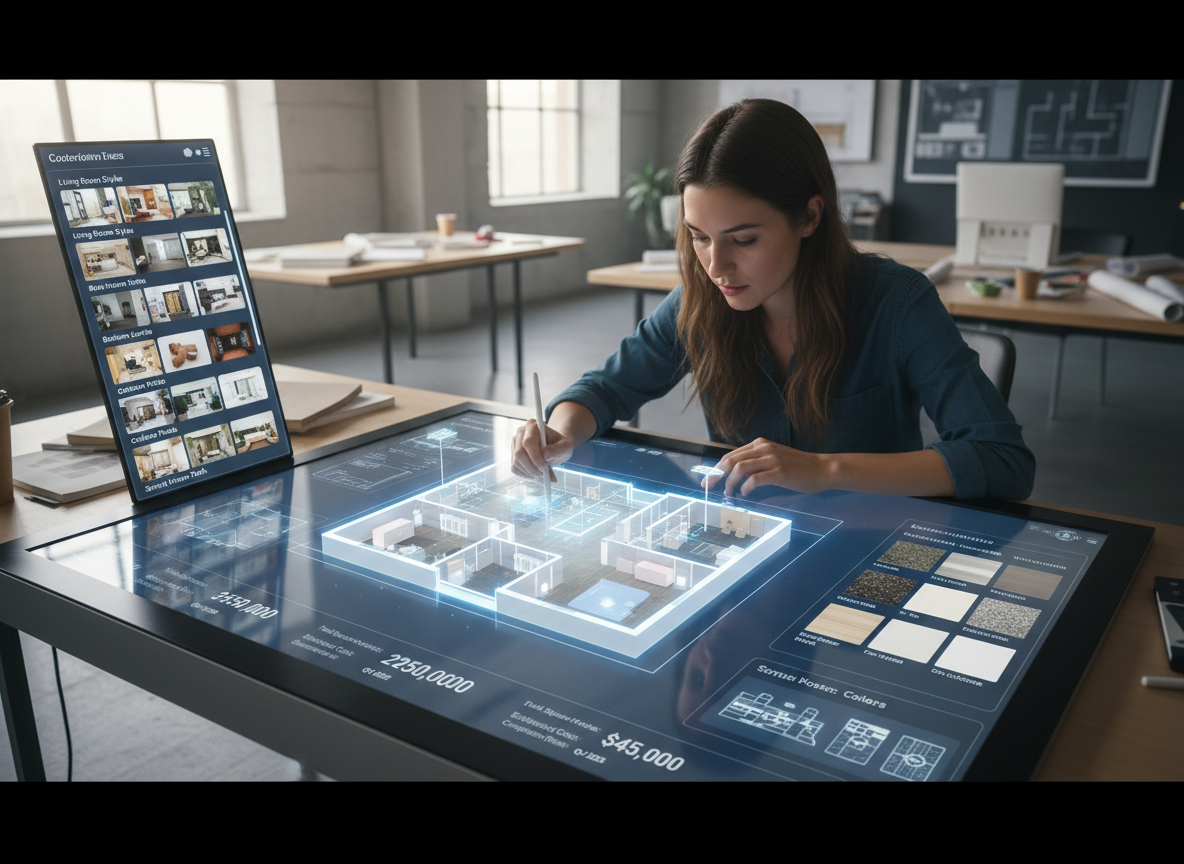
Customization at Your Fingertips
Tailor every detail with our comprehensive house design tool. Specify bedrooms, bathrooms, kitchen style (open or closed), gross area, and essential extras like a walk-in closet or home office. Create custom floor plans that perfectly match your needs, making Ideal House the ultimate floor plan creator.
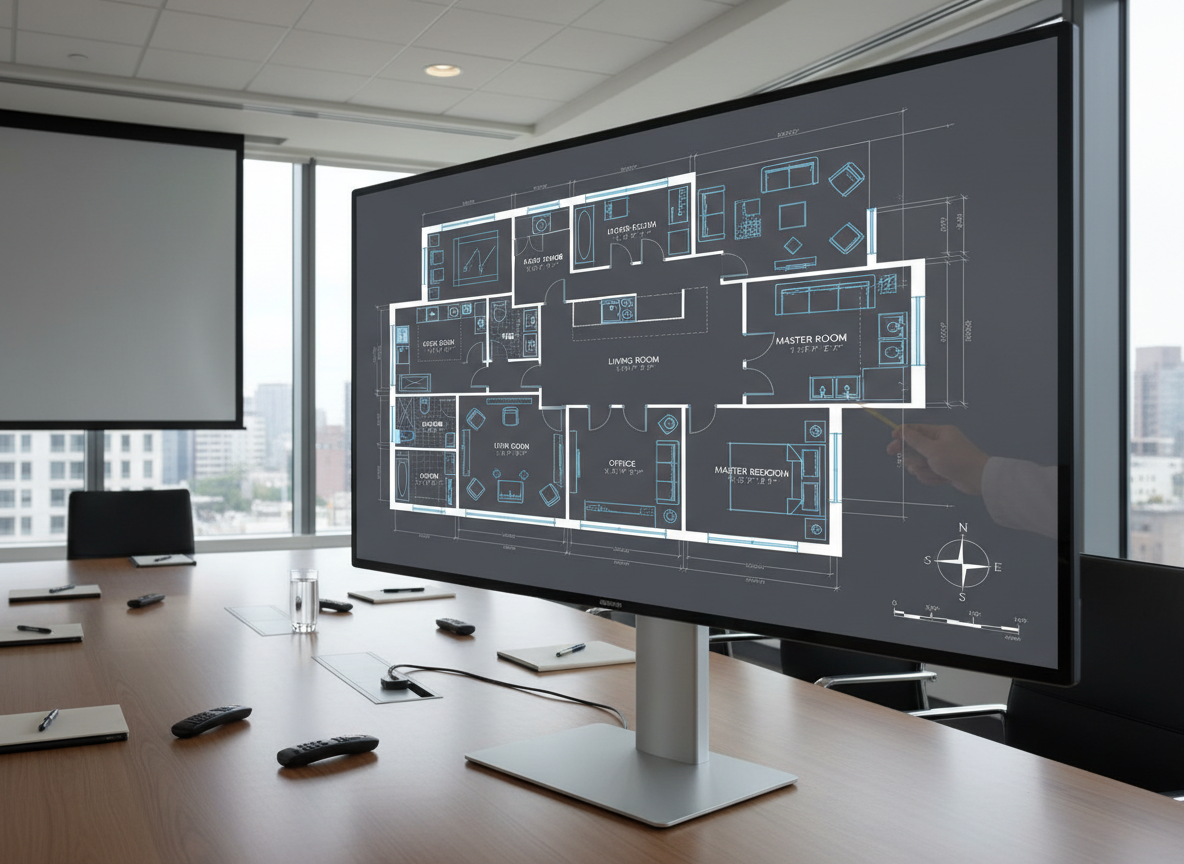
Designed for Clarity and Collaboration
Our online floor planner produces professional-grade digital floor plans that are easy to understand and share. Perfect for homeowners, real estate agents, or interior designers, these architectural drawing tool outputs facilitate seamless communication and informed decision-making. Your next virtual floor plan is just a click away.
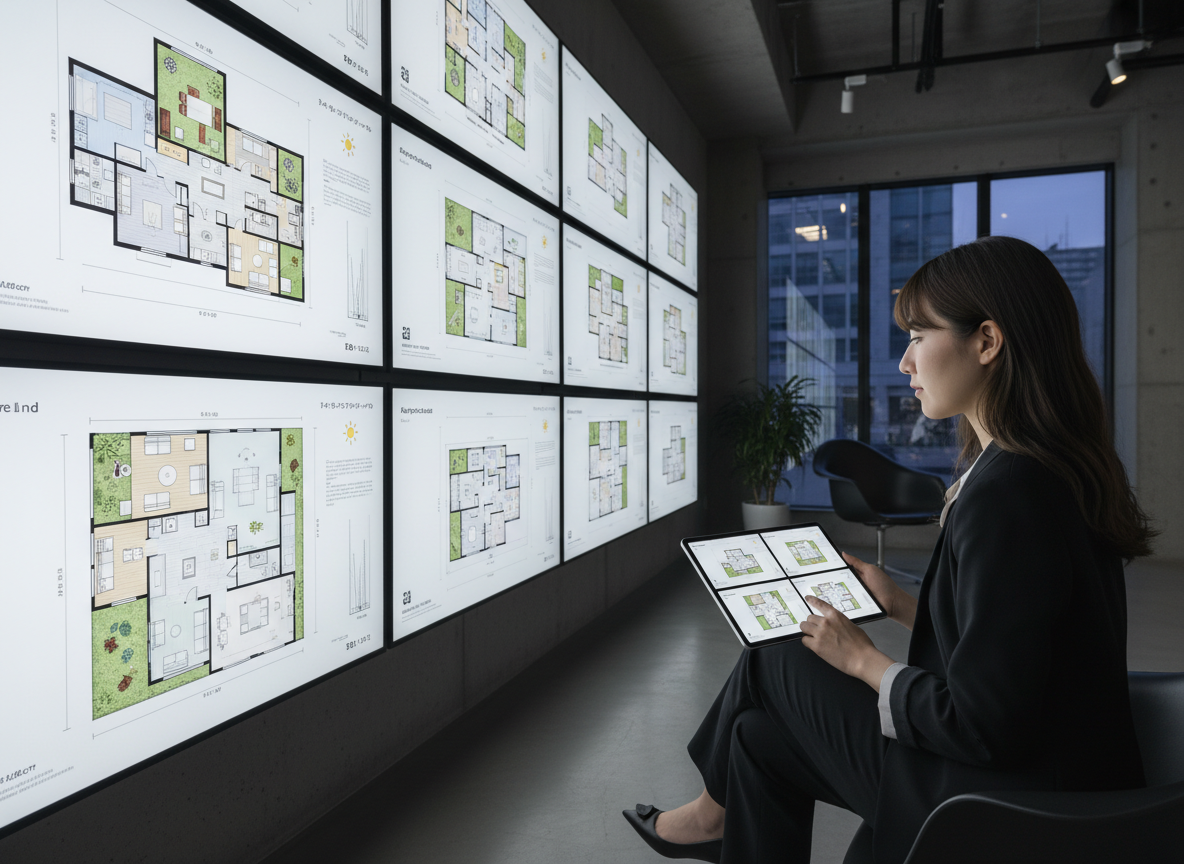
Save and Refine with Ease
Every layout you create with our free online house layout maker is automatically saved in your generation history. Compare multiple versions, filter your concepts, and iterate until you achieve the perfect residential floor plans. This home design software empowers you to manage your projects efficiently.

Who Benefits from Our Free Online House Layout Maker?

Homeowners & DIY Enthusiasts: Visualize home renovation ideas and room layout planner concepts.

Real Estate Professionals: Create compelling 2D real estate floor plans for listings, attracting more buyers.

Interior Designers & Architects: Rapidly generate initial concepts and collaborate with clients on interior layout design.

How to Create Your Perfect Floor Plan with Ideal House
1
Set Rooms: Choose the number of bedrooms (0-4) and bathrooms (1-3) to define your core living spaces.
2
Choose Kitchen Style: Select an open or closed kitchen layout to match your lifestyle and design preferences.
3
Pick Gross Area: Define the overall size of your plan, guiding the AI to create a balanced and functional layout.
4
Add Extras: Incorporate specific features like a walk-in closet, laundry room, or home office to personalize your digital floor plan.
5
Generate & Review: Click 'Generate' to see your custom floor plans instantly. Tweak parameters and regenerate to explore new possibilities.
6
Download & Share: Export your favorite 2D floor plan as an image or PDF to easily share with clients, family, or contractors.
FAQs About Our AI Floor Plan Generator
How does it turn my selections into a plan?
Our AI floor plan generator interprets your selections—beds, baths, kitchen type, gross area, and extras—then applies smart spatial logic and common architectural rules to draft a clean 2D floor plan. Each generation provides a fresh concept based on your input, making it a truly interactive floor plan experience.
What are the ranges and defaults for customization?
You can select 0-4 bedrooms (default 2), 1-3 bathrooms (default 1), and choose between an open or closed kitchen (default open). Gross Area allows you to pick the closest size band, and you can multi-select various extras to refine your design with our floor plan creator.
What does “Gross Area” influence in my design?
The Gross Area band is crucial for guiding the overall scale of your home design software output. Choosing the appropriate band ensures that rooms and corridors are proportioned realistically for that footprint, helping to create believable and functional residential floor plans.
What's the difference between open vs. closed kitchen plans?
An open kitchen promotes a continuous sightline and smoother flow into living and dining areas, ideal for modern, social spaces. A closed kitchen, conversely, offers a more defined cooking zone with clearer separation, often preferred for traditional layouts. Our free online house layout maker allows you to explore both options.
How do 'Extras' enhance my floor plan?
Extras like a walk-in closet, pantry, or home office tell the AI floor plan maker which specialized spaces to integrate and where to prioritize their placement (e.g., a walk-in closet near the master bedroom, a pantry adjacent to the kitchen). This allows you to create custom floor plans that truly meet your specific needs for home renovation planning.
Enhance Your Design Journey with Other Ideal House Tools
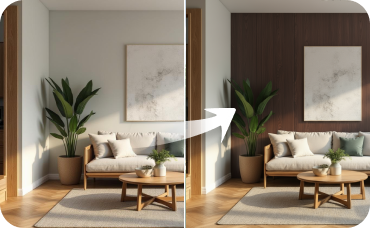
Room Visualizer
Change wall colors, flooring, and ceiling textures to complement your new furniture style.
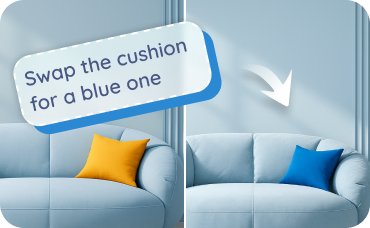
Magic Editor
Isolate and change any object in your design, like swapping a modern floor lamp for an ornate chandelier lighting.

Image to Video
Turn your static exterior design concepts into dynamic, engaging video tours.
Ready to Design Your Space? Try Our Free Online House Layout Maker Today!
Create professional 2D floor plans effortlessly. Your perfect home layout is just clicks away with Ideal House.
Generate My Floor Plan
💰 Ottieni il 10% di commissione come partner affiliato di Ideal House.
Unisciti a noi